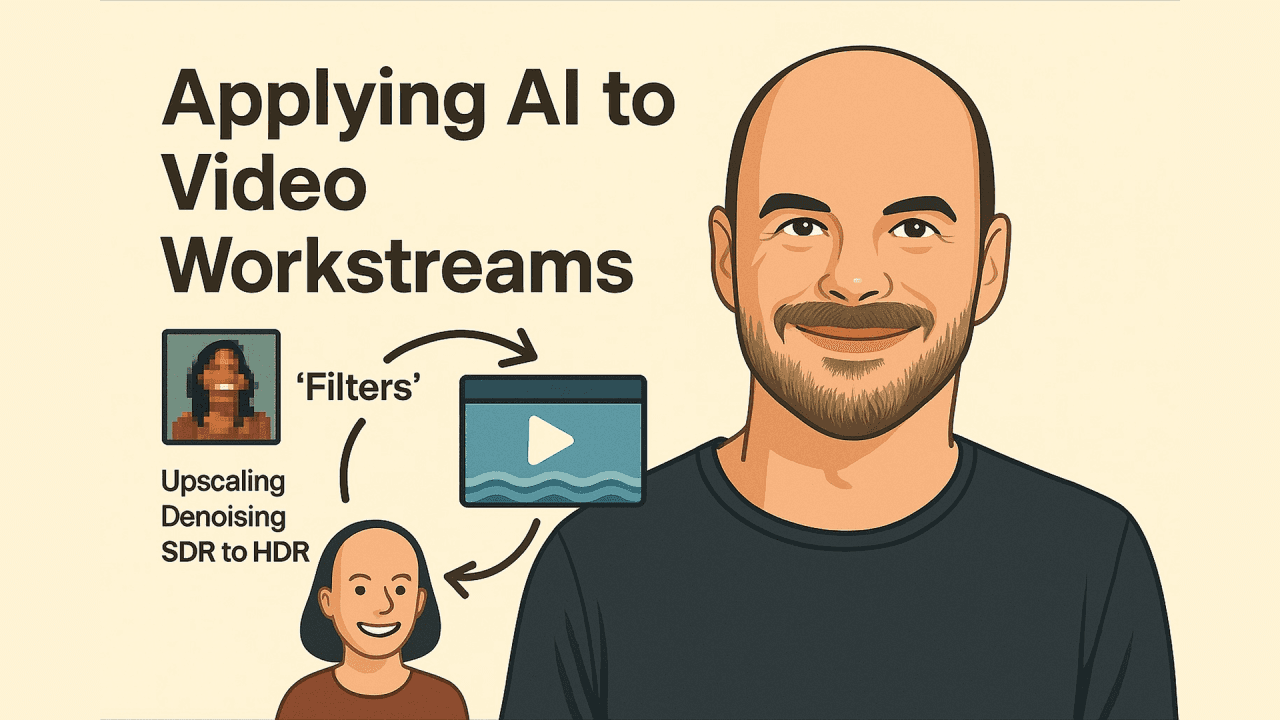
Part 2: Filters, Not Magic Enhancing Video in Real Time
In Part 1, we followed Jon Frydensbjerg from his early Amiga days to his current work as Pixop’s co-founder and CTO. Now let’s dig into what Pixop actually does, and how its AI-powered filters work.
Latest update

Benjamin Schwarz
Nov 18, 2025
Posted originally
Benjamin Schwarz
Nov 18, 2025
Filters 101: A Story in Three Steps
I once asked Jon what a Pixop filter really is.
His reply: “It’s not magic. It’s just math trained to make smart guesses.”
That sums it up. Traditional video filters were fixed recipes: blur this, sharpen that. AI filters are different. They learn. Trained on thousands of degraded/pristine video pairs, they figure out how to turn bad into good.
Think of them like seasoned restorers:
Upscaling: Instead of stretching pixels, AI predicts missing detail, much like a restorer would repaint chipped frescoes (Filmora, Tensorpix).
Denoising: Like brushing grain off an old photograph, but with training to know what belongs and what doesn’t (Setplex).
SDR to HDR: A faded painting restored with richer tones and sharper contrasts (Setplex).
AI filters aren’t just functions. They’re behaviours.
One Size Doesn’t Fit All
Some Pixop filters are generalists. Others are specialists.
Jon mentioned one nicknamed “Selfie Style” that was trained on talking-head footage. It’s fantastic at enhancing faces. It works elsewhere, but really shines with faces. That’s the power of specialisation.
But Pixop doesn’t always use separate models for every use case. In live workflows, content is too varied. Jon favours a well-trained general-purpose model that performs well across many genres, because it’s faster, lighter, and more robust.
Swiss Army Knife vs Carpenter’s Toolbox
Jon put it this way: a Swiss army knife can do a bit of everything, crudely. But sometimes you want the right tool for the job.
So Pixop offers both:
Lightweight generalist models for live production.
Task-specific filters for use cases like restoration or face enhancement.
Why Upstream Enhancement Matters
Devices are getting better at local upscaling. But they still:
Waste energy (millions of devices duplicating work).
Lack contextual awareness (e.g., they don’t know if the blurry shot is intentional).
Apply blunt enhancements that sometimes worsen image quality.
By enhancing upstream processes, Pixop gives content owners control, reduces compute waste, and ensures better results.
Not Magic, Just Trained Guesswork
Jon: “The network doesn’t know what an eye is. But after seeing enough of them, it learns how to handle eyes in ways that make the final picture sharper and more lifelike.”
That’s the crux. AI doesn’t understand like we do. It imitates what it’s been trained to imitate. Done right, it gives your content a glow-up without making it look artificial.
And If It Goes Wrong?
One early model had a habit of enhancing blurry crowd faces too well. The result? Crisp, glowing “monster eyes” peering from the stands. Not ideal. But also: fixable. That’s the beauty of training.
Our latest posts

Stay in the loop
Sign up